
Wet street
Spilled something on it?
Turn it off and unplug it right away. Do not power it back on to check, and do not dry it with a hair dryer. Then send the signal and tell us what was spilled.
Streetlights
When the power flickers
A battery backup keeps the router and computers running through a flicker and gives them time to shut down safely. Its battery wears out quietly, so test it before the next storm does.
The storm
Storms are a security problem too
A nearby strike can push a surge through power and cable lines. Surge protectors and a battery backup keep the network standing, and unplugging before a big storm is the simplest protection there is.
Fire escape
Backups are your fire escape
Photos and files should live in at least two places, like the computer and a cloud account or an external drive. If a drive dies or ransomware locks your files, the backup is your way out.
The signal tower
Send the signal
Call, text, or fill out the dispatch form. Tell us what is going on and where you are, and you hear a straight answer and a price before any work starts.
Open dispatchSteam
Running hot?
Loud fans and a hot bottom usually mean dust is blocking the vents. Heat slows a computer down and wears out parts. A cleaning and a fan check often brings it back.
Open the case fileBlade sign
Security first, repairs too
Physical security checks, cyber security checkups, scam cleanup and networks, plus repairs for computers, phones and consoles. If it plugs in or connects to the internet, describe it and we will tell you straight whether we handle it.
Walk the streetsLit window
An invoice nobody ordered?
Do not click it and do not reply. Call the company at a number you already know. If someone already clicked, unplug that computer from the network and send the signal.
Open the case fileLit window
Stuck on a spinning circle?
Note anything that changed right before it started, like an update, a drop or a spill. It helps us find the real cause faster.
Open the case fileLit window
Router still on the sticker password?
Whoever controls the router can see and redirect everything on your network. Change the admin password, then keep its firmware current.
Open the case fileLit window
Server closet doubling as storage?
Boxes block airflow, and a closet everybody uses is a closet anybody can get into. Network gear deserves its own locked space.
Open the case fileThe moon
Something wrong after hours?
Send the signal anytime. The ticket opens in your own texting or email app, and nothing leaves your device until you press send.
Send the signalLit window
A popup with a phone number?
It is a scam. Do not call it and do not let anyone connect. Hold the power button until the computer turns off, then call us.
Open the case fileLit window
One password for everything?
If one site leaks it, every account that shares it is open. A password manager gives each account its own and remembers them for you.
Open the case fileExplore the scene
Choose an object to open its case card.
Cyber and physical security in Cassville, MO.Every cityneeds a hero.Yours keeps watch.
Cyber security checkups, physical security checks for server rooms and network closets, scam cleanup and repairs. When the tech in your home or business needs guarding, send the signal and get a straight answer and a price before any work starts.
- Veteran owned
- MA in Cybersecurity
- Price before any work
Everything on this street is clickable. The tower, the lamps, the lit windows, even the puddles.
- Calls we take
- Server closet checks
- Hacked email
- Scam popups
- Reused passwords
- Mystery devices
- Open WiFi
- Shared logins
- Dead laptops
- Cracked screens
- Stick drift
Case 01 · Physical security
Operating. Safe. Unaltered.
Your network lives in a room. A physical security check walks that room, the server closet, the racks and every device and machine in it, and asks the same three questions of each one.
Click anything in the room to check it, or work down the list below.

Open rackUnaltered?
Can you name everything in it?
Rack doors should close and lock, and every device inside should be one somebody can name. Anything nobody recognizes gets looked at first.
The floorSafe?
Water is the quiet threat
A leak, a sprinkler or a mop bucket can take down everything in the room. Equipment belongs off the floor and away from pipes, and a water sensor can warn you before it spreads.
The doorSafe?
Does it lock behind you?
A server room door should close and lock on its own. A door propped open for one delivery is an open door all afternoon.
Open the case fileAirflow
Keep it cool
Heat wears hardware out slowly. Vents clear, fans spinning, nothing stacked on top, and a room that stays cool on the hottest afternoon.
The windowSafe?
Who can see in?
Screens, labels and sticky notes that can be read from the street tell a stranger exactly what is inside. Windows near equipment let in heat, and sometimes water.
Status lights
Read the lights
Green and aqua usually mean healthy. Amber or red often means a failing drive, fan or power supply. Somebody should be reading them, not just walking past.
Battery backup
Will the battery hold?
A battery backup keeps the network up through a flicker and gives servers time to shut down safely. Its battery wears out quietly, and most people find out during the outage. Test it before the storm does.
Signed in laptopSafe?
Signed in and walked away
A computer left signed in, in a room people walk through, hands over the keys. Screens should lock on their own after a few minutes, and nobody should share a login.
Open the case fileExtinguisherSafe?
The right extinguisher
Electrical fires need an extinguisher rated for them, kept in reach and inspected on schedule. Water and live electronics do not mix.
Patch panelUnaltered?
Every cable accounted for
Cables labeled at both ends, and unused network ports switched off. A cable nobody can explain is a question worth asking.
Camera
Is it recording?
A camera only helps if it works, sees the door, and saves its recordings somewhere a thief cannot carry out along with the server.
Sealed caseUnaltered?
Has anything been opened?
A tamper seal or a sticker over a screw shows when a case was opened or a drive pulled. A broken seal means ask who, and why.
Mystery boxUnaltered?
The box nobody plugged in
A small device plugged into a spare port can quietly listen to a whole network. If nobody can say what it is or who put it there, that is the first thing we look at.
KeypadSafe?
Who knows the code?
Codes and keys should change when someone leaves, and a lock that keeps a log of who opened it beats a guess. A code written on the wall is not a lock.
Explore the scene
Choose an object to open its case card.
The walkthrough
0 of 14 checked
Operating?0/4
Is it running the way it should, with power, cooling and backups that hold?
Safe?0/6
Can only the right people reach it, and is it protected from heat, water and fire?
Unaltered?0/4
Is it exactly what was installed, with nothing added, opened or moved?
Want this walk done on your own server room, closet or back office?
The streets
Trouble on every block.
Every building on this street has a problem we handle, from a reused password to a cracked screen. Walk past and watch each one come back online, or click a window and fix it yourself.
Click the glass, the doors, the gadgets and the signs. Every one of them tells you something.
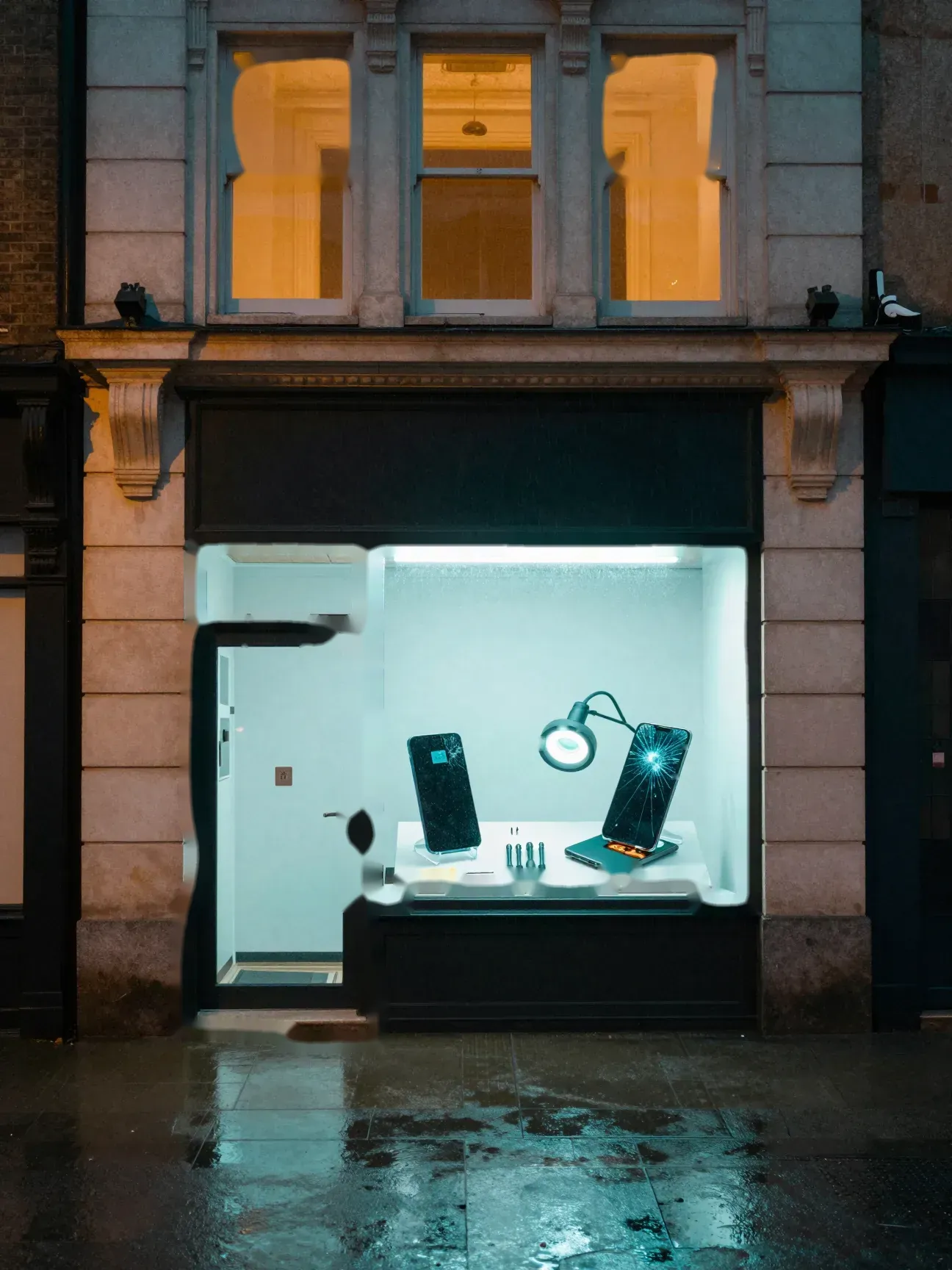
The window
One password for every account. The same one for years.
Accounts, passwords, two factor sign in, updates, router settings and backups, checked and locked down for homes and small businesses, and explained in plain English.
Open the case fileFront door
Cyber security checkups
Most break ins do not take a genius. They take a reused password, a missed update, or a router still on the password it came with. A checkup finds those open doors and closes them before somebody else finds them.
Open the case fileLit window
Too many passwords to remember?
No. A password manager remembers them for you. You remember one strong password, and it fills in the rest.
Lit window
Reset emails you never asked for?
Someone may be trying your accounts. Change that password from a device you trust, turn on two factor sign in, then send the signal.
Send the signalPhone on the stand
What is two factor sign in?
A second check after your password, like a code sent to your phone. Even if someone steals the password, they still cannot get in without that second step.
Second phone
Start with email
Your email can reset the password on almost everything else you own. If someone gets into it, they can get into the rest. That is why email gets locked down first, with a strong password of its own and two factor sign in.
Magnifier
Find the open doors
Reused passwords, missing updates, factory settings, remote access tools nobody needs, and old accounts that should be closed.
Explore the scene
Choose an object to open its case card.
Case 02 The same password everywhere
Cyber security checkups
One password for every account. The same one for years.
Accounts, passwords, two factor sign in, updates, router settings and backups, checked and locked down for homes and small businesses, and explained in plain English.
Open the case file: Cyber security checkups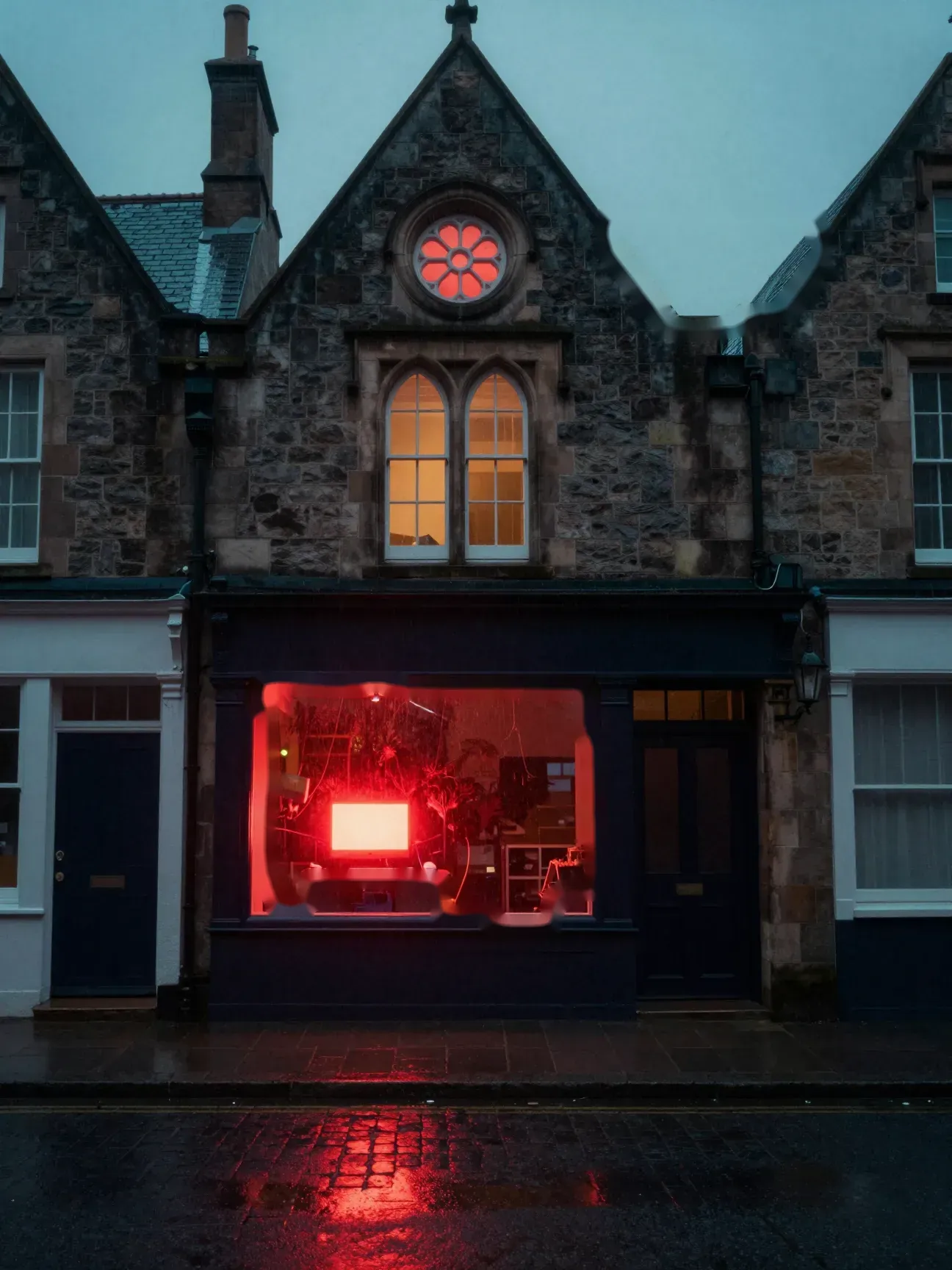
The red screen
A popup says call this number. It is lying.
Fake security alerts, popups you can't close, strangers with remote access. We clean it out, shut the doors they used, and show you what to watch for.
Open the case fileFront door
Virus and scam removal
A full screen warning says your computer is infected and you need to call a number right now. It looks official. It isn't. Here is what to do in the next five minutes, and what we do after that.
Open the case fileUpstairs
Already let them connect?
Turn the computer off. If you shared any card or account details, call your bank from another phone. Then call us. We'll remove what they installed and check what they could reach.
Rose window
Lock the back door
Scammers often install remote access software so they can come back later. We find it and remove it.
The alert
Is the warning real?
If it has a phone number in it, it's fake. Microsoft, Apple and real antivirus programs don't put phone numbers in their warnings and don't ask you to call. Nobody legitimate asks to be paid in gift cards.
Lantern
If it is happening right now
Do not call the number. Do not let anyone connect. Hold the power button until the computer turns off. Then call us or send the signal.
Send the signalExplore the scene
Choose an object to open its case card.
Case 03 The fake security alert
Virus and scam removal
A popup says call this number. It is lying.
Fake security alerts, popups you can't close, strangers with remote access. We clean it out, shut the doors they used, and show you what to watch for.
Open the case file: Virus and scam removal

The lunch counter
Somebody clicked the link in an invoice nobody ordered.
Office computers, the register, the network and the back office closet, kept running and locked down. Security first, with a master’s degree in cybersecurity behind the work.
Open the case fileFront door
Small business security and IT
A small business runs on a few computers, a register, a network and a closet nobody looks in. When one of them goes down, or ends up in the wrong hands, the business stops. We get you back up, then close the doors the trouble came through.
Open the case fileGlass blocks
Harden
With a master's degree in cybersecurity behind the work, we close the holes that caused the outage or the scare: shared logins, old accounts, open WiFi and unlocked closets.
Booths
Somebody clicked a bad link?
Disconnect that computer from the network, then change the password for any account they typed in, from a different device. Then call us and we will check what the link did.
Back office
A closet nobody checks?
The network closet is part of your security. A physical security check walks it with three questions: is it operating, is it safe, and is it unaltered?
Open the case fileRegister
Keep customers off your network
Guest WiFi should be its own network, separate from the register and the office computers. Someone checking their phone at your counter should never be one hop away from your payment system.
Wall light
Work around our hours?
Tell us when it works for you and we'll be straight about whether we can make it.
Explore the scene
Choose an object to open its case card.
Case 04 The fake invoice
Small business security and IT
Somebody clicked the link in an invoice nobody ordered.
Office computers, the register, the network and the back office closet, kept running and locked down. Security first, with a master’s degree in cybersecurity behind the work.
Open the case file: Small business security and IT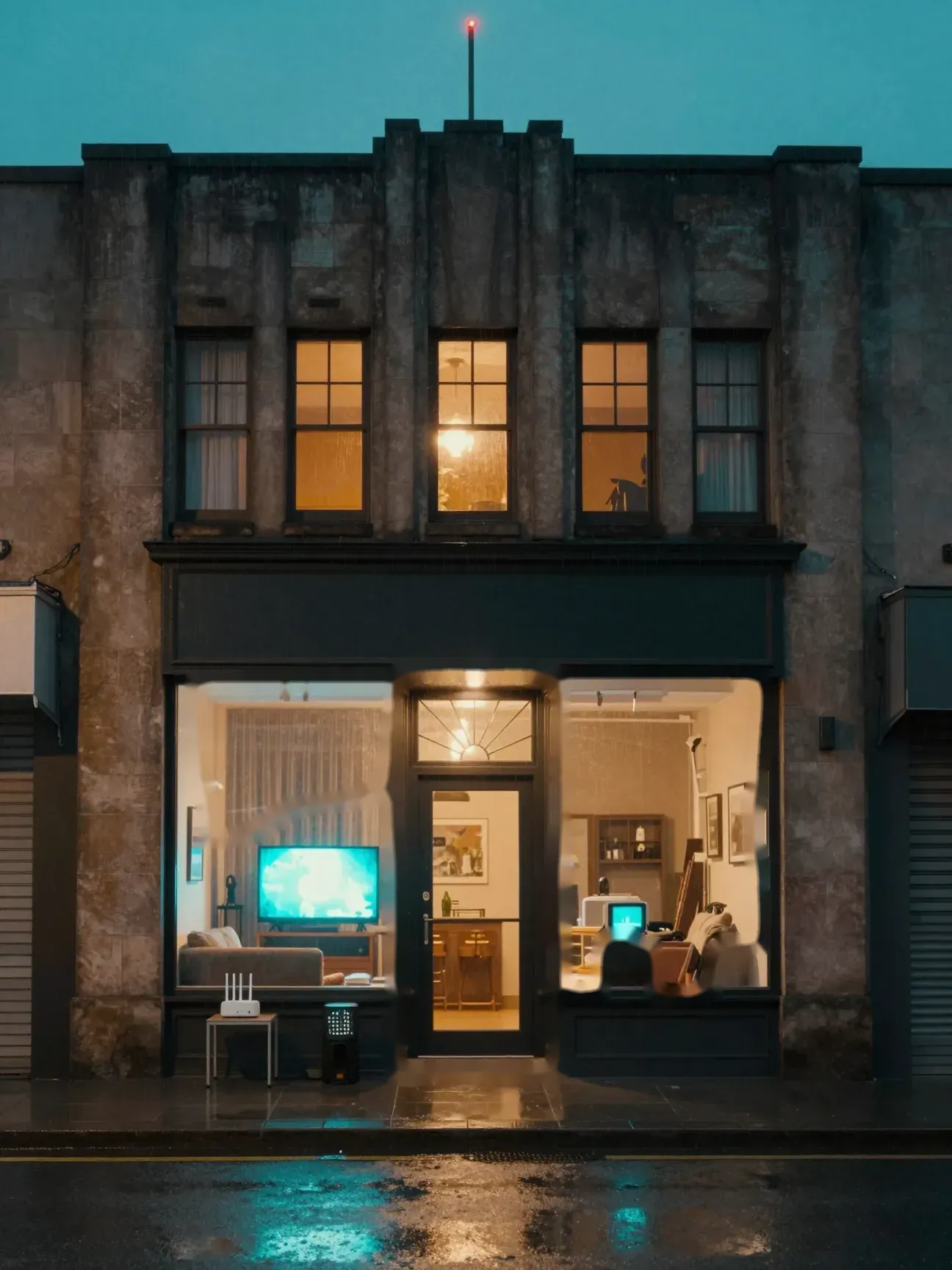
Living room
Still on the password printed on the sticker. And nothing reaches the back bedroom.
Mesh WiFi set up the right way and locked down: strong encryption, a fresh admin password, a guest network for visitors and smart devices, and a signal that reaches every room.
Open the case fileBack room
Smart TV on the same network as your laptop?
Cameras, doorbells, smart plugs and TVs rarely get security updates. A guest network keeps them apart from the laptop you bank on.
Front door
WiFi and home network security
Your router is the front door to every device in the house. If it still has the password it came with, or the signal dies two rooms away, both get fixed: the right equipment in the right spots, set up the right way, and locked.
Open the case fileRouter
Change the router password
For the WiFi it can be a decent start, but the admin password that controls the router should be changed. Whoever controls the router can see and redirect everything on your network.
Antenna
Buy a mesh kit first?
No. If you already have one, we'll set it up. If not, we can tell you what makes sense for the size and layout of your home before you spend anything.
Mesh node
The step most installs miss
A mesh system stacked behind the provider modem makes two routers fight. We set the modem to bridge mode so the mesh runs the whole show.
Explore the scene
Choose an object to open its case card.
Case 05 The router nobody changed
WiFi and home network security
Still on the password printed on the sticker. And nothing reaches the back bedroom.
Mesh WiFi set up the right way and locked down: strong encryption, a fresh admin password, a guest network for visitors and smart devices, and a signal that reaches every room.
Open the case file: WiFi and home network security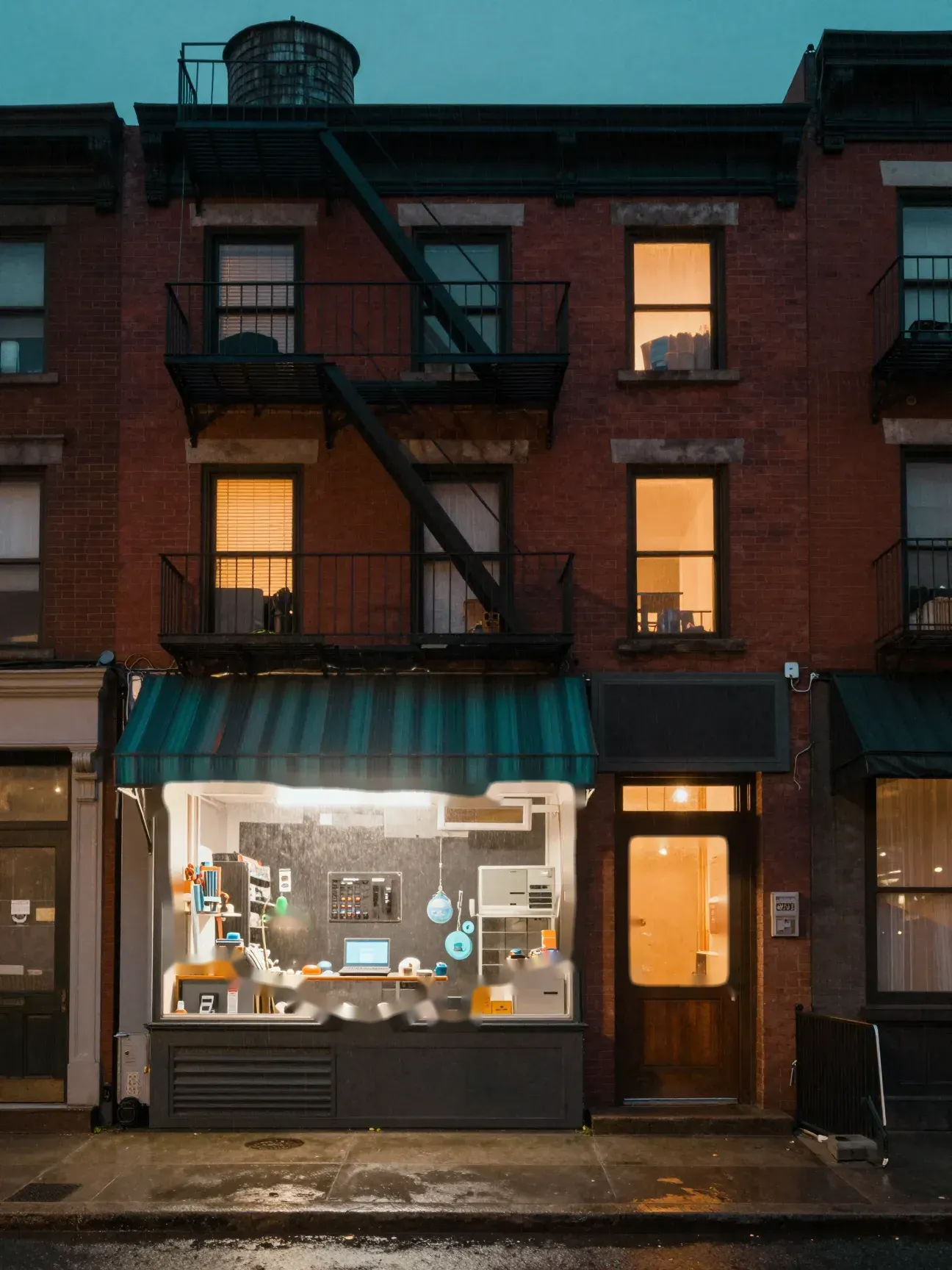
Fire escape
Will I lose my files?
Most repairs never touch your files. If a repair could put them at risk, we tell you before we start.
The bench
Won't boot. Spinning forever. Fan screaming.
Dead laptops, slow desktops, cracked phone screens and tablets that won't charge. We find out why, fix it, and tell you straight if it isn't worth fixing.
Open the case fileFront door
Computer, phone and tablet repair
Desktops and laptops that won't start, crawl, freeze or run hot. Phones and tablets with cracked glass or a charging port that only works at an angle. We figure out what is actually wrong, tell you what the fix costs, and explain it in plain English.
Open the case fileLit window
Cracked phone screen?
If the phone still works, back up your photos first, and find the exact model under Settings, then About, so the right part gets ordered the first time.
Water tower
Spill, drop or crack?
Turn it off, leave it off, and tell us what happened. Powering it on to check can make it worse.
Open laptop
What to bring
The make and model, usually on a sticker underneath or on the back, and your charger if you still have it.
Green lamp
Diagnose first
We find the real cause, not just the symptom. Hardware, software, or both.
Explore the scene
Choose an object to open its case card.
Case 06 The machine that would not wake
Computer, phone and tablet repair
Won't boot. Spinning forever. Fan screaming.
Dead laptops, slow desktops, cracked phone screens and tablets that won't charge. We find out why, fix it, and tell you straight if it isn't worth fixing.
Open the case file: Computer, phone and tablet repair
The window
My character keeps walking off on his own.
Handheld screens and drifting joysticks, Nintendo Switch included. We order the right parts and get you back in the game.
Open the case fileFront door
Game console repair
Your character walks off on their own. The screen has a crack across the middle. Handheld consoles take a beating, and most of that damage can be fixed.
Open the case fileControllers
What is joystick drift?
Drift is when the stick registers movement while you aren't touching it, so your character or camera slides around on its own. It comes from wear inside the stick, and the fix is replacing the stick module.
Arcade cabinet
Save your progress
Save your game progress if the console still works, and note when the problem started.
Storm drain
Parts and deposits
When a repair needs parts ordered, a deposit may be needed to cover them. We'll tell you up front.
Old TV
Not sure what is wrong?
Describe it and we will tell you if it can be fixed.
Open console
Confirm the model
A Switch and a Switch Lite take different parts. We confirm yours first.
Explore the scene
Choose an object to open its case card.
Case 07 The drifting stick
Game console repair
My character keeps walking off on his own.
Handheld screens and drifting joysticks, Nintendo Switch included. We order the right parts and get you back in the game.
Open the case file: Game console repair
End of the block
Don't see your problem?
If it plugs in, lights up or connects to the internet, describe it. We will tell you straight whether it is something we fix.
Signal the Dude
The ledge
Pushed to act right now?
If an email, text or popup pushes you to act right now, slow down. Call the company back at a number you already know.
Open the case fileWater towers
Cameras and doorbells on your WiFi?
Smart devices rarely get security updates. A guest network keeps them apart from the laptop you bank on.
Open the case fileThe avenue
The Dude rolls out
We come to you for security checks, networks and setups. Repairs get fixed on site when we can, or we take the device and bring it back fixed.
Lit windows
Straight answer, real price
We tell you what we think is wrong, or what needs checking, and what it costs before any work starts. No surprise bill.
Your place
Locked down
You get it back working and locked down, plus a plain English explanation of what we found and how to keep it from happening again.
The tower
Send the signal
Call, text, or fill out the dispatch form. Tell us what is going on and where you are.
Explore the scene
Choose an object to open its case card.
The signal
How a call goes.
Four steps, start to finish. No call center, no runaround, no surprise bill. Follow the route through the city, or click any step.

The window
Home base is Cassville
We work all over Barry County, SW Missouri and NW Arkansas: Cassville, Barry County, SW Missouri and NW Arkansas.
See the coverageTools
Proper tools, then a test
Locks get checked, settings get verified, and screens, sticks and ports get replaced with the right tools. Then everything gets tested before we call it done.
On the bench
Your stuff stays yours
We fix the problem and stay out of your files, photos and accounts.
Open tower
What is running in there
We look at what starts with the computer and what it connects to, not just the symptom in front of you. Hardware, software, or both.
Open the case fileThe lamp
Price first
You hear what it costs before we start. If the plan changes, you hear about it before we do anything else.
The phone
A real person answers
Call 417 671 2606 and you get somebody who actually does the work, not a script and a hold queue.
Call 417 671 2606Coffee
Straight answers
If a repair costs more than the device is worth, we tell you. If you do not need us, we tell you that too.
The headset
Plain English
Tell us what the device is doing in your own words. No jargon and no talking down. You will know what broke and why.
Explore the scene
Choose an object to open its case card.
Who answers
Not a call center. A neighbor who keeps watch.
ThatComputerDude was founded by Joseph Anady, with security as the focus. Joseph is a service disabled veteran with a BA in Computer Engineering and an MA in Cybersecurity.
We are based in Cassville and work all over Barry County, SW Missouri and NW Arkansas. When you call, you get somebody who actually does the work, not a script and a hold queue.
- Veteran owned
- BA, Computer Engineering
- MA, Cybersecurity
- Based in Cassville, MO
The code
Price first
You hear what it costs before we start. If the plan changes, you hear about it before we do anything else.
Plain English
No jargon and no talking down. You will know what we found and why it matters.
Straight answers
If a repair costs more than the device is worth, we tell you. If you don't need us, we tell you that too.
Your stuff stays yours
We fix the problem and stay out of your files, photos and accounts.

Town lights
Small towns, real help
Monett, Exeter, Washburn, Purdy, Seligman, Shell Knob, Wheaton, Aurora and Springfield, plus Eureka Springs, Pea Ridge, Bella Vista, Rogers, Centerton and Springdale.
The highway
Do you come to me?
Security checks, WiFi, networks and setups happen where the equipment lives, so we come to you. For repairs, we fix it on site when we can, or take the device with us and bring it back fixed.
The ridges
Not on the list?
Miles on the map are straight line distances from Cassville. If your town is not listed, call anyway.
The moon
How fast can you get here?
It depends on the day and where you are. Call or send the signal and we will give you an honest time, not a guess.
Send the signalRadio tower
Where the signal reaches
Home base is Cassville. We take calls all over Barry County, across SW Missouri and down into NW Arkansas.
Full coverage detailsExplore the scene
Choose an object to open its case card.
Coverage
Where the signal reaches.
Home base is Cassville. We take calls all over Barry County, across SW Missouri and down into NW Arkansas.
Barry County
SW Missouri
NW Arkansas
Miles are straight line distances from Cassville. Not on the list? Call anyway.
Click any town on the radar or the list for its distance from Cassville.
Questions
Questions people ask in the dark.
Straight answers to what folks ask before they call. Still wondering about something? Ask us directly.
Fogged up? Run your finger or your mouse across the glass to clear it.
What is a physical security check?
A walk through the room your network lives in: the doors and locks, the racks and cables, the battery backup and cooling, and every device and machine in the room. Each one gets three questions. Is it operating, is it safe, and is it unaltered? Then you hear in plain English what we found.
A popup says my computer is infected and to call a number. What do I do?
Don't call it, and don't let anyone connect to your computer. Real security warnings never ask you to phone a number or pay with gift cards. Hold the power button until the computer shuts off, then call us. If you already let someone in, call your bank from a different phone and let us check the computer. Scammers often leave remote access software and startup files behind so they can come back. We find those and remove them.
I think someone got into my email. What do I do first?
From a different device you trust, change the email password and turn on two factor sign in. Check the recovery phone number, the recovery email and any forwarding rules, because whoever got in may have changed them to get back in later. Then call us and we will check the computer it happened on.
Do you come to me, or do I bring it in?
Security checks, WiFi, networks and setups happen where the equipment lives, so we come to you. For repairs, we fix it on site when we can, or take the device with us and bring it back fixed.
How much does it cost?
It depends on what's wrong and what needs checking, so we don't guess. We look first and give you a real price before any work starts. No surprise bill.
How fast can you get here?
It depends on the day and where you are. Call or send the signal and we'll give you an honest time, not a guess.
What areas do you cover?
Home base is Cassville. We take calls all over Barry County, including Monett, Exeter, Washburn, Purdy and Seligman, north to Aurora and Springfield, and down into NW Arkansas: Eureka Springs, Pea Ridge, Bella Vista, Rogers, Centerton and Springdale.

The storm
Unplug before the big ones
When a strong storm is coming, unplugging the modem and computers is the simplest surge protection there is.
Puddles
Text works too
Text 417 671 2606 with what is happening. A photo of any error message on the screen helps a lot.
Text insteadTransmitter
Send the signal
Fill out the dispatch console. It builds a ticket you send from your own texting or email app, so nothing is stored on this site.
Open the consoleWater tower
Rather talk?
Call 417 671 2606. A real person answers, not a call center.
Call 417 671 2606The skyline
Homes and businesses
From the laptop on the kitchen table to the closet behind the register, we take both.
Chimneys
Or send an email
Email admin@thatdeveloperguy.com with what the device is doing and the best way to reach you.
Email usExplore the scene
Choose an object to open its case card.
Dispatch
Send the signal.
Tell us what is wrong and how to reach you. Your ticket opens in your own texting or email app, ready to send. Rather talk? Call 417 671 2606.